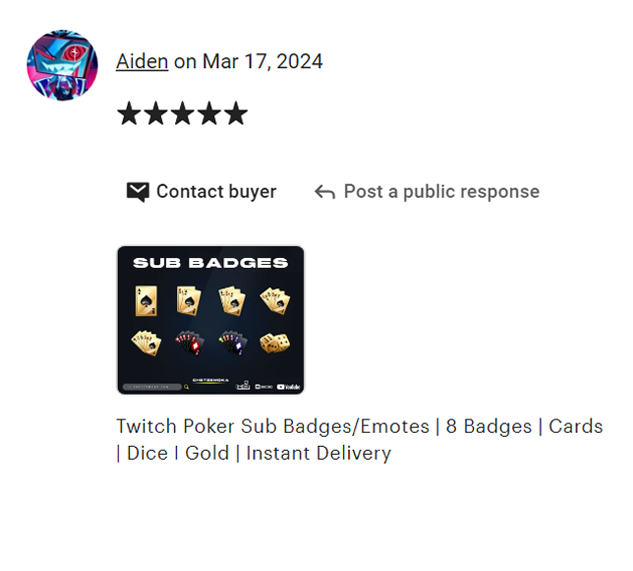
Apex Legends Sub Badges
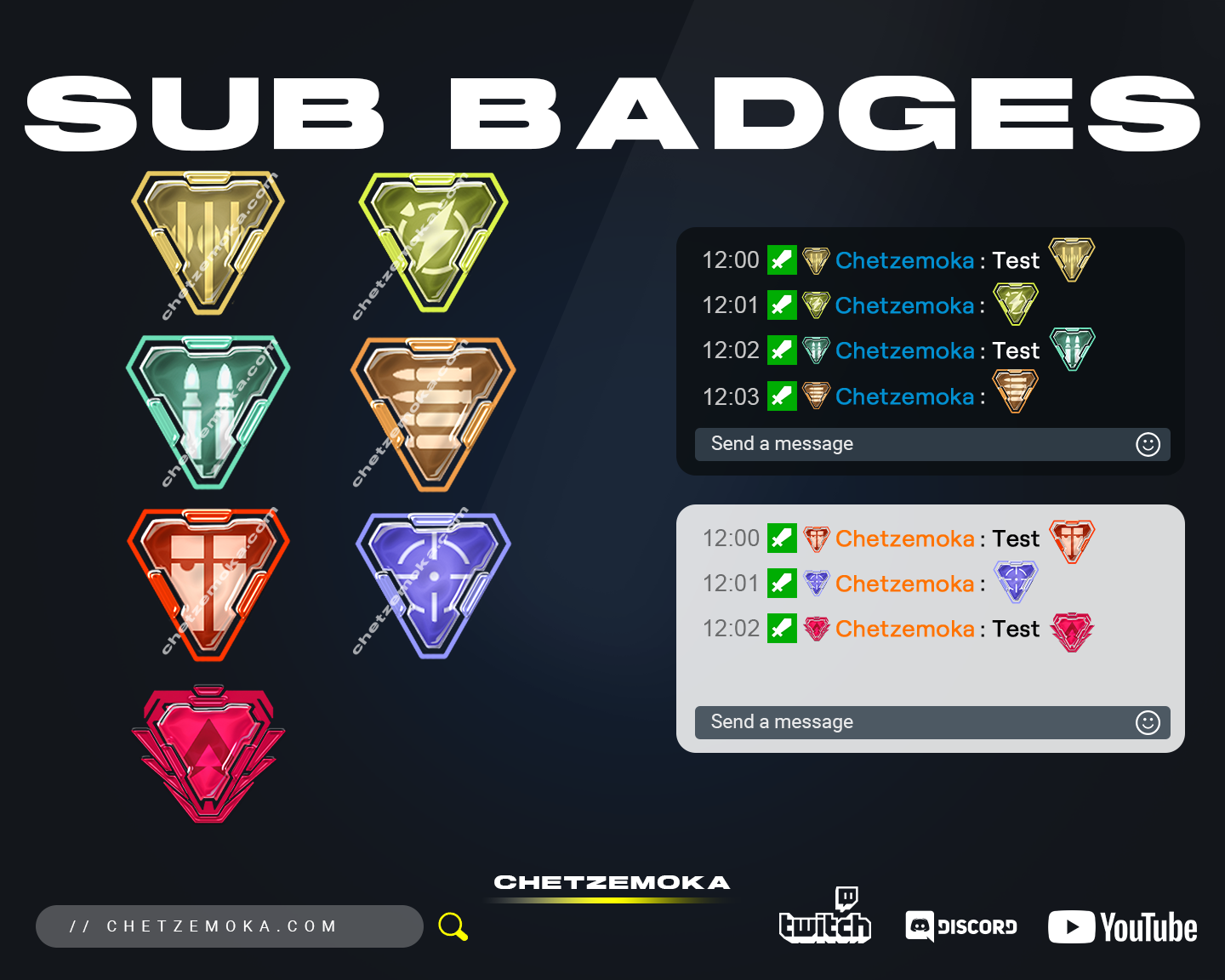
Bring the excitement and energy of the Apex Games to your stream with Apex Legends Sub Badges – a bold, battle-ready badge pack designed for streamers who love high-intensity gaming. Inspired by the legendary world of Apex, these badges transform your Twitch or Kick channel into a professional-looking arena that your viewers will recognize instantly.
Each badge represents strength, skill, and progression – perfectly suited for gaming communities that thrive on teamwork and achievement. Whether you stream Apex Legends full-time or simply want to add a modern, action-packed theme to your channel, these Twitch Sub Badges are the perfect choice for any competitive or shooter-focused streamer.
What is included in Apex Legends Sub Badges
The Apex Legends Sub Badges pack comes with everything you need to level up your subscriber experience and give your community a true sense of rank and reward. Every badge is crafted with sharp detail, high contrast, and professional quality to ensure they look perfect at any size.
You’ll get:
-
A complete set of Apex-inspired subscriber badges for multiple tiers.
-
Transparent PNG files in five Twitch-ready sizes: 112×112, 72×72, 36×36, 28×28, and 18×18 pixels.
-
Distinct, high-quality visuals representing growth and progression.
-
A clean and organized folder system for easy upload.
Each badge is built to reflect the intensity and pride of Apex Legends – metallic tones, emblem-inspired shapes, and refined contrast ensure your badges look professional and dynamic on every screen.
How to use sub badges on Twitch or Kick Platform
Setting up your Apex Legends Sub Badges is simple and quick.
For Twitch:
-
Go to your Creator Dashboard.
-
Select Viewer Rewards → Subscriber Badges.
-
Upload each badge file for the correct tier (1-month, 3-month, etc.).
-
Save and refresh – your new Apex-style badges are live!
For Kick:
-
Open your Channel Settings.
-
Go to the Subscriptions / Badges section.
-
Upload the PNGs for each tier.
-
Save and refresh to see them in chat.
In just a few minutes, your stream will have a new look that matches the energy and competitiveness of your Apex Legends content.
Full compatibility with Discord
These Apex Legends Sub Badges are also fully compatible with Discord. You can use them as role icons, member rewards, or custom emojis for your community. Their transparent backgrounds and sharp edges make them ideal for any screen size or device, giving your server a consistent and powerful visual identity.
Apex Legends Sub Badges are designed for clarity at small sizes
Every badge is optimized for perfect readability, even at 18×18 pixels. The minimalist details and precise shading make each icon instantly recognizable in chat. Whether your viewers are watching on mobile or desktop, your badges will look clean, crisp, and professional.
Apex Legends Subscriber Badges are delivered in multiple sizes with transparent PNGs
Each badge is provided in five official Twitch sizes:
-
112×112 px
-
72×72 px
-
36×36 px
-
28×28 px
-
18×18 px
All files come as transparent PNGs, pre-formatted and ready to upload to Twitch, Kick, YouTube, or Discord. No editing or resizing required — simply drop them in and go live.
Apex Legends Sub Badges for commercial use
When you purchase Apex Legends Sub Badges, you receive full commercial usage rights. Use them across all your platforms – Twitch, Kick, YouTube, or Discord — and in your overlays, promotional materials, or merch.
No extra licenses or attribution are needed – total creative freedom is included.
Instant digital download
After checkout, your files will be available for instant download. Access them right away from the confirmation page or your email. Within minutes, your Twitch or Kick channel will be transformed with a new, professional Apex-themed identity.