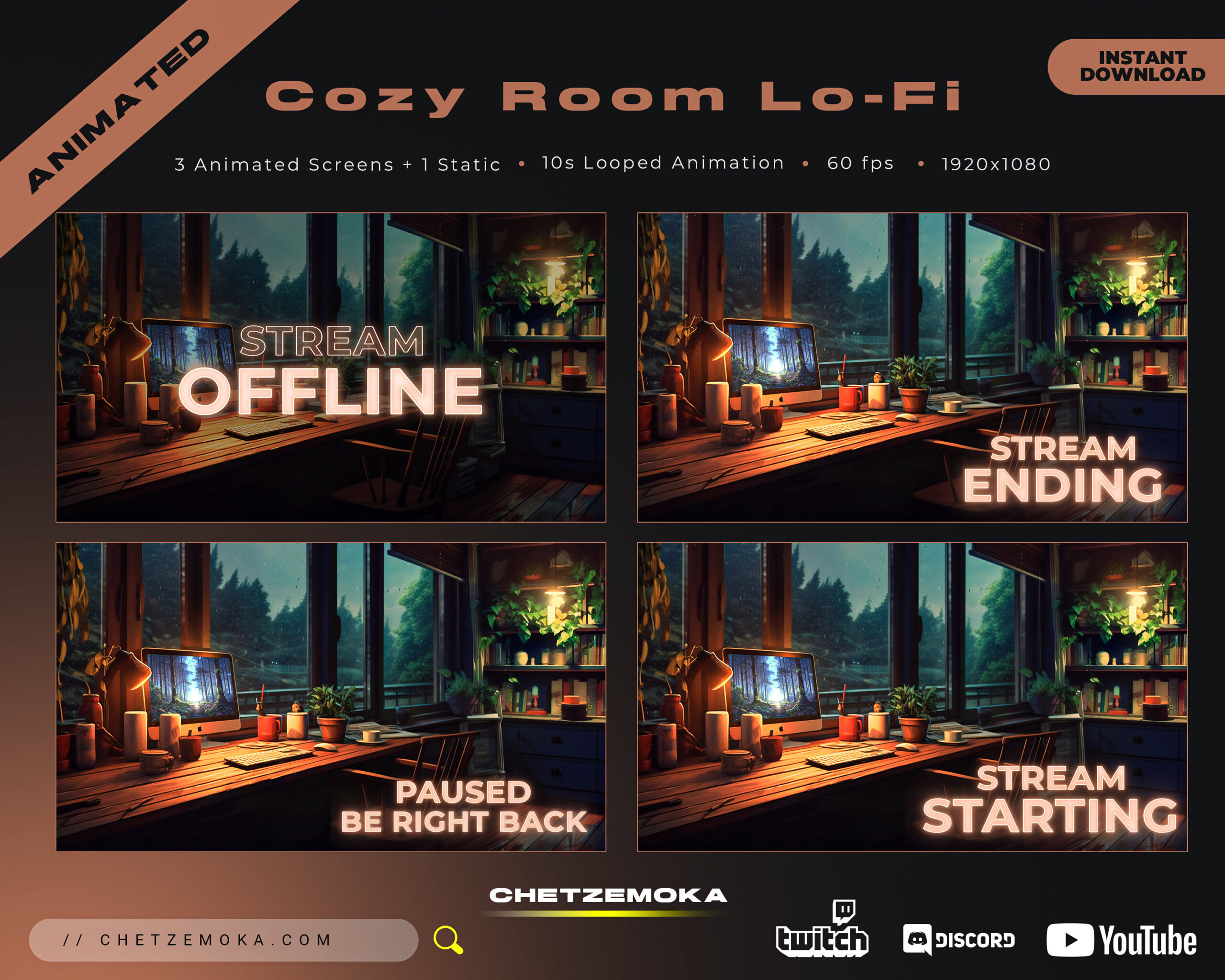
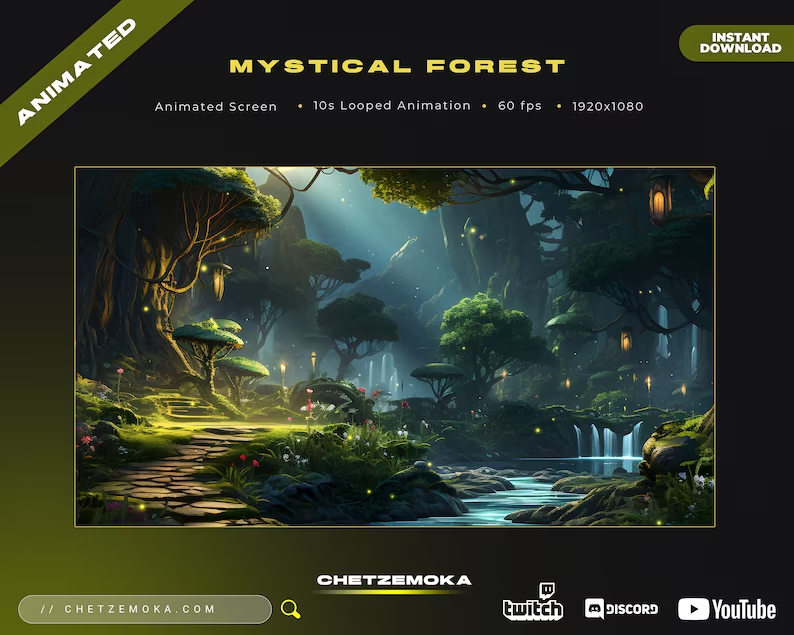
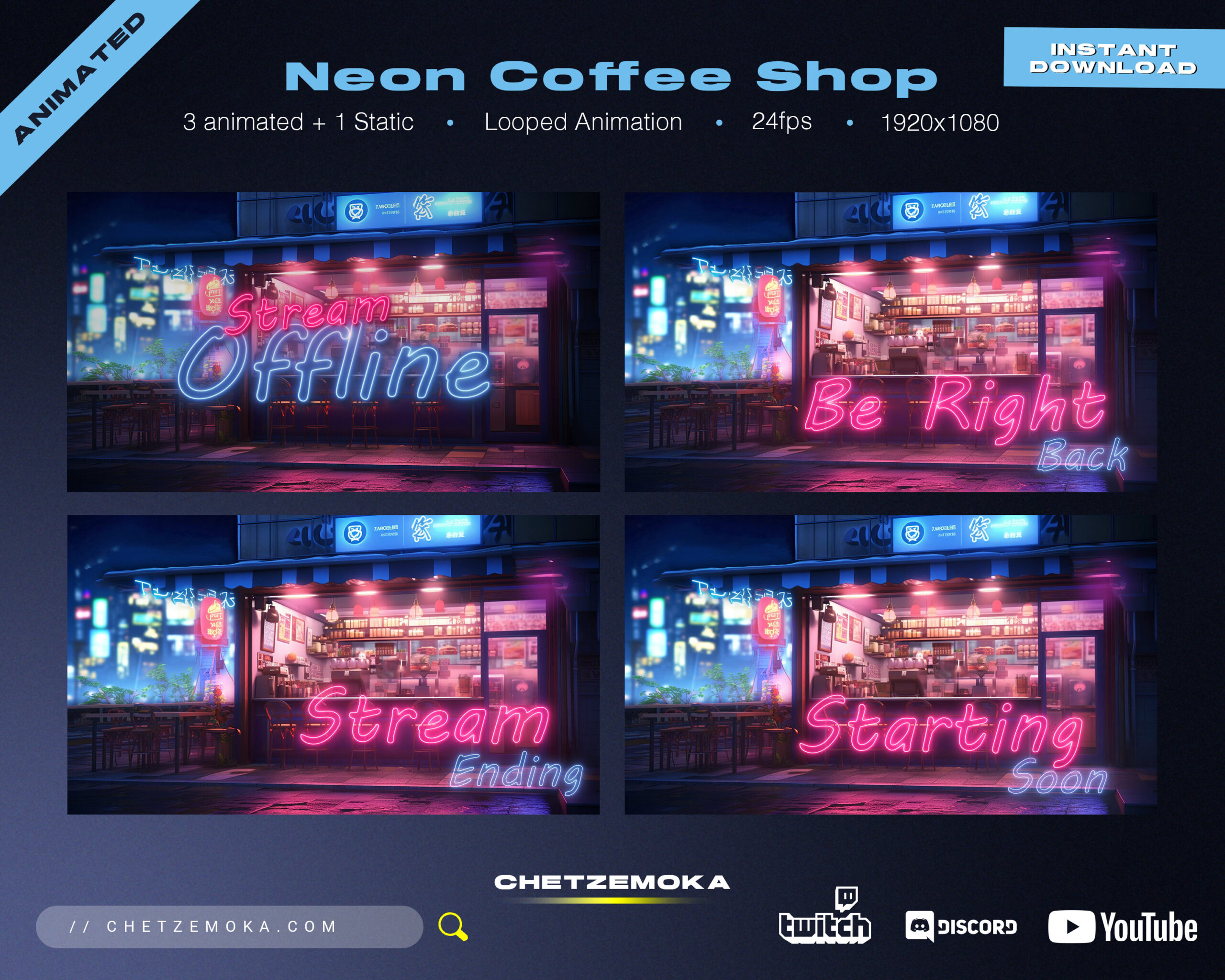
Stream Screens

Carefully crafted streaming products with instant access, customization, and professional Discord support. Trusted by over 7,000 customers worldwide.

Stream Screens

Stream Screens are an essential part of a professional live stream. They are used during key moments such as Starting Soon, Be Right Back, Intermission, and Offline, helping you communicate clearly with viewers while maintaining a consistent and polished channel look. Well-designed stream screens turn downtime into a branding opportunity instead of a blank or awkward moment.

Whether you’re preparing to go live, taking a short break, or ending your stream, Stream Screens keep viewers informed, engaged, and connected to your channel.

Why Stream Screens Matter for Streamers

Stream Screens are more than placeholders – they set expectations.

They let viewers know what’s happening, reduce drop-off during breaks, and make your stream feel structured and professional. A clean “Starting Soon” screen builds anticipation, while a polished “BRB” or “Offline” screen reassures viewers that your stream is well-organized and intentional.

Consistent stream screens also strengthen your brand identity and make your channel more memorable.

Designed for Clear Communication & Visual Consistency

Clarity is the most important feature of Stream Screens. Text must be readable, visuals must be clean, and animations (if included) should feel smooth and purposeful.

That’s why all Stream Screens on chetzemoka.com are designed with clear layouts, balanced spacing, strong contrast, and optimized proportions. Every screen is created to look great in real streaming conditions – not just in previews – ensuring your message is always easy to understand.

Perfect for Any Type of Stream

Stream Screens work perfectly for gaming streams, Just Chatting and IRL content, creative streams such as art, music, or coding, as well as lifestyle and community-focused channels. No matter your niche or aesthetic – minimalist, dark, colorful, animated, or clean – cohesive screens help create a recognizable and professional stream flow.

Compatible with All Streaming Platforms

All Stream Screens are compatible with:

  • Twitch
  • Kick
  • YouTube

They work seamlessly with OBS Studio, Streamlabs, and other streaming software.

Easy to Use with OBS & Streamlabs

All Stream Screens are delivered ready to use and easy to install. Setup is fast and beginner-friendly, while advanced streamers can easily customize scenes inside OBS Studio, Streamlabs, or other supported software.

Optimized for High-Quality Streaming

Every Stream Screen is optimized for 1080p and higher resolutions, smooth animations where included, and clean performance with no impact on your stream. This ensures your broadcast stays sharp, professional, and consistent at all times.

Instant Download

All Stream Screens are available immediately after purchase. Download your files instantly and upgrade your stream without waiting.

Support Included

Need help with setup or installation? Full support is included. Step-by-step guidance ensures everything works smoothly across all platforms.

Stream Screens & Frequently Asked Questions

What types of Stream Screens are included?

Most sets include screens such as Starting Soon, Be Right Back, Intermission, and Offline. Exact contents are listed in each product description.

Are Stream Screens compatible with OBS and Streamlabs?

Yes. All Stream Screens work perfectly with OBS Studio, Streamlabs, and other streaming software.

Can I use these screens on Twitch, Kick, and YouTube?

Yes. Stream Screens are compatible with Twitch, Kick, and YouTube.

Are the screens animated or static?

Depending on the product, Stream Screens may be animated or static. Details are always listed in the product description.

Is this an instant download?

Yes. All Stream Screens are available for instant download after purchase.

About Chetzemoka

We deliver high-quality ready-made graphic assets with the possibility of additional customization.

We respond to all messages, so if you need anything please send us a message.

Knowledge Base

Contact Us

Email: contact@chetzemoka.com
Discord: click here to join!

Privacy Preference Center